



Digital locks and smart locks are very popular in Singapore. Your workplace is almost certainly equipped with one, and many HDB flats, most condos and landed property houses are, too. Convenience, enhanced security, remote control and, increasingly, affordability are making these modern locks the obvious choice for a renovation or new home. But how do you choose a digital lock?
There are hundreds of digital door locks from dozens of manufacturers on the market. With that many choices and so many features to decide by, it can be difficult to pick one knowing you are spending hundreds of dollars. I had a number of smart locks installed recently and this is the 7-step process I went through to choose the best one for the different locations and use cases.
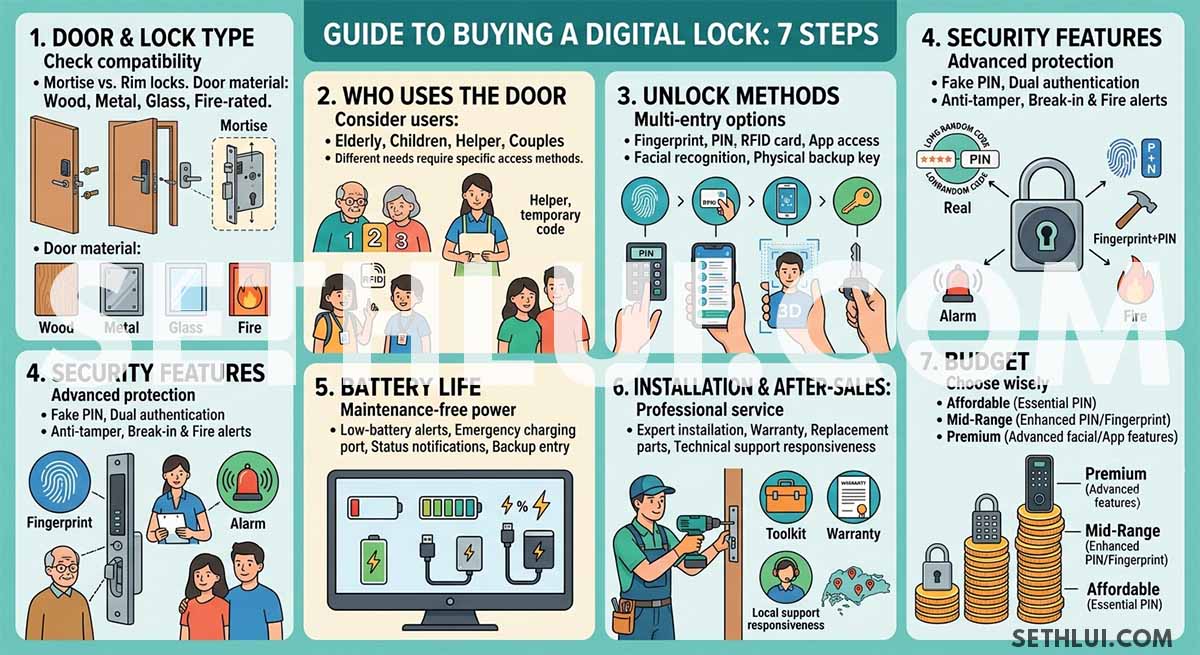
How to choose a digital lock in 7 easy steps
| Consideration | Key question | What to look for |
|---|---|---|
| Door and lock type | Will the lock fit your existing door and lock setup? | Compatible door type, mortise or rim lock matching |
| Who uses the door | Who needs access to the property? | PIN, fingerprint, RFID or temporary access options |
| Unlock methods | How many ways do you need to unlock the door? | Fingerprint, PIN, RFID, app access, facial recognition, backup key |
| Security features | Which security functions matter most? | Auto-lock, anti-tamper alarm, break-in detection, fire detection |
| Battery life | How reliable is the power system? | Low-battery alerts, emergency charging, backup entry |
| Installation & after-sales support | What happens if something goes wrong? | Professional installation, warranty, parts availability, support coverage |
| Budget | How much functionality do you need? | Affordable, mid-range or premium features based on requirements |
Step 1: Door and lock type
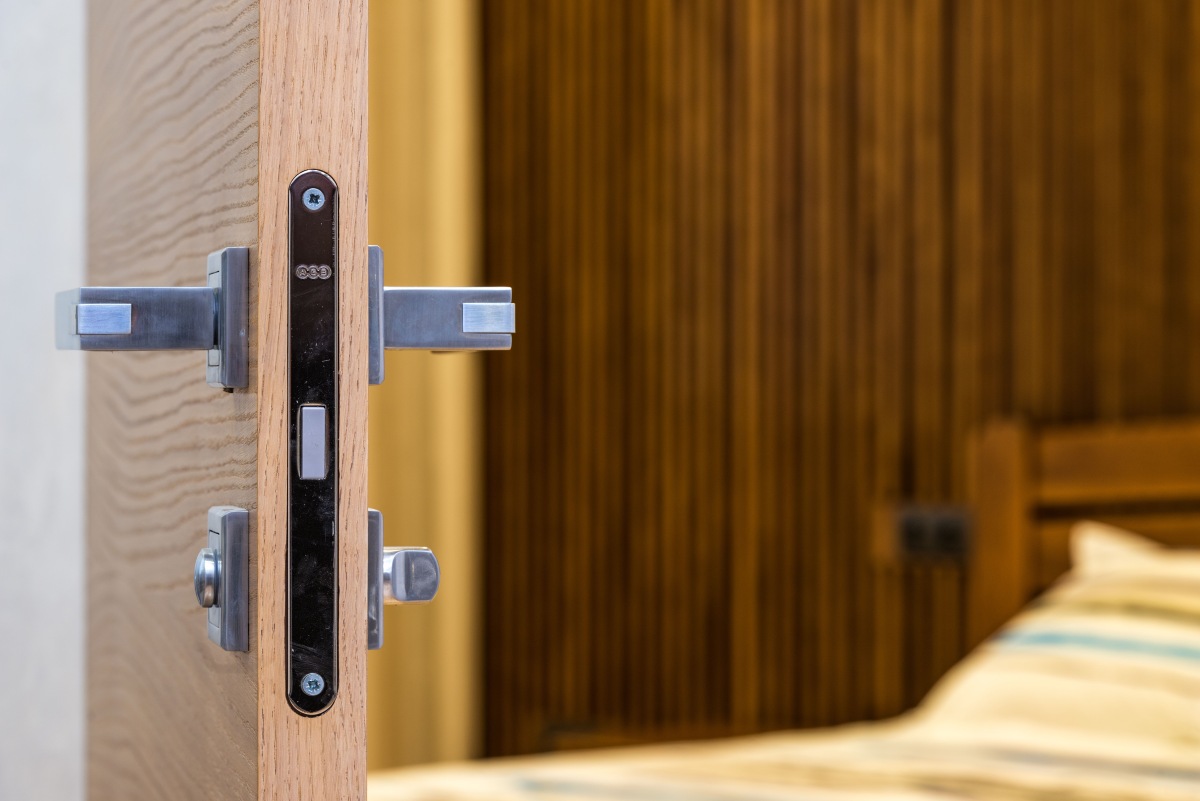
You may end up wasting hundreds of dollars if you don’t consider compatibility — not every digital lock will be compatible with your existing door. Some models are suitable for standard-sized wooden entrance doors while others are designed specifically for metal gates, glass doors or fire-rated doors.
To minimise modification costs, your new digital lock should also be of the same type as your current lock. Most basic locks are either a mortise lock or a rim lock. Mortise locks replace your entire door handle assembly and cut into the door frame for increased physical security. Rim locks are an enclosed unit mounted on the surface of the door, usually just above the handle or knob.
Step 2: Who uses the door
Do you want to give unrestricted access to everyone, including your helper? Will young children and elderly folk be able to handle the transition? Your answers to those questions will help you determine the best access methods for your digital lock.
A simple PIN-based or fingerprint lock usually suffices for singles and couples. It is what I had installed at my parents’ home as they are familiar with its simple operations and don’t need fancy features. I chose a model with large backlit numbers on the keypad so they are easily visible, regardless of the weather or time of day.
Families with children may benefit from multiple access methods such as RFID cards, fingerprints and PIN codes. A friend of mine has given his school-aged kids RFID cards that they hang on the same lanyard as their bus cards.
Most of us have a helper in our homes, and some may even sublet rooms. In these situations, a temporary access code and app-based user management tools are the best solutions. My parents’ home is close to mine (HDB owners can get up to S$30,000 grant for this) and their helper has a temporary access code for my main door so she can bring food over when I’m at work.
The more people use the smart lock, the more important flexibility becomes.
Step 3: Unlock methods
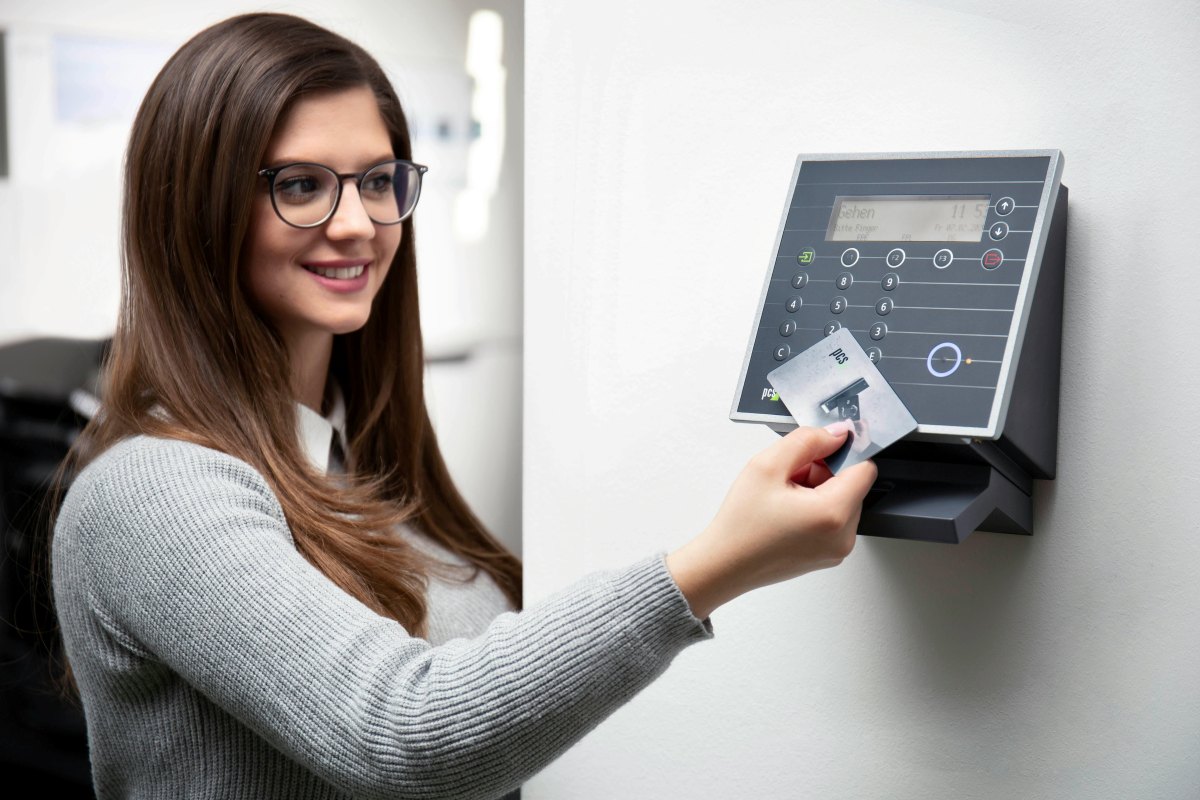
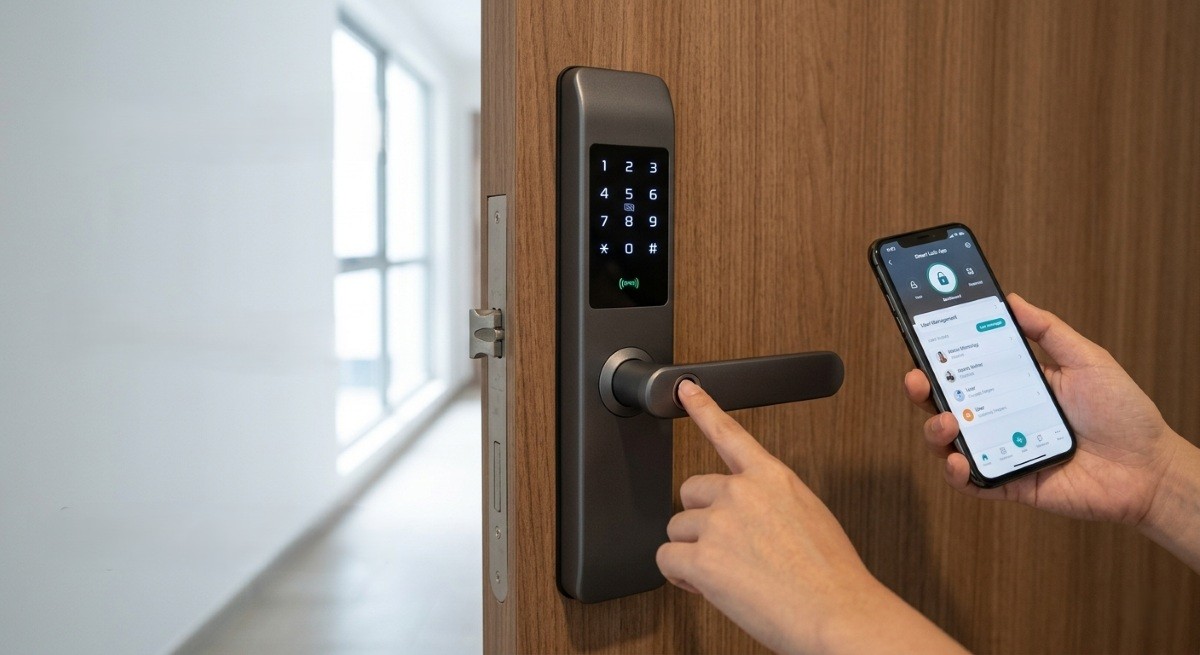
One of the biggest differentiators between digital locks is how they allow users to gain entry. Based on who uses the door (Step 2), which of these will you need:
- Fingerprint access – Fingerprint recognition is one of the most popular options because it offers quick, keyless access without requiring users to remember codes. However, I’ve had problems unlocking smart locks when my hands are wet, dirty or worn from manual work (I sanded away my prints sanding down furniture).
- PIN codes – PIN code access is simple and that is why it’s so popular. Some digital locks have interesting security features that allow you to enter random digits before and after your actual PIN. Imagine it — you type in a 20-digit code so someone looking over just gives up trying to remember it.
- RFID cards – RFID cards can be convenient for giving access to children and elderly users. I have friends whose parents still like using a physical object to unlock their main door, so these cards work for them. The obvious downside is that cards can be misplaced or lost, which is one of the reasons so many have moved away from physical keys.
- App access – I insist on app access functionality for any digital lock installed on commercial properties. While many like apps for features such as proximity-unlock (for when your hands are full), I appreciate being able to monitor who unlocks the door and when, and manage visitor and delivery access no matter where I am. App access is particularly useful for working couples and frequent travellers.
- Facial recognition – The latest advance in digital locks allows you to gain access simply by showing your face to the integrated camera. Look for a model that has 3D depth perception so a photo cannot be used to gain unauthorised access.
- Physical key (backup) – Despite my affinity for technology, I like to have a traditional key as an emergency backup. I leave it at my parents’ place; some may prefer to leave it in their car or, if they are in full retro mode, under a potted plant.
Most good digital locks combine multiple unlocking methods rather than relying on a single option. Narrow down your list using the access methods you absolutely must have, and the others are a bonus.
Step 4: Security features
Convenience is important but security should always be the primary purpose of any lock. Modern digital locks often include a range of security enhancements beyond basic access control that include:
- Automatic locking
- Anti-tamper alarm
- Break-in detection
- Fire detection
- Fake PIN functionality
Some premium models require dual authentication, for example, both fingerprint and PIN verification before unlocking. This offers an additional layer of protection but can be time- consuming. Rather than focusing solely on the number of features, consider which security functions are relevant to your home.
Step 5: Battery life
Most digital locks operate on AA batteries and can last anywhere from several months to over a year, depending on usage patterns and installed features.
Look for models that provide:
- Low-battery alerts
- Emergency charging port
- Battery status notifications
- Backup entry methods
Reliable battery management reduces the likelihood of being locked out unexpectedly and helps ensure consistent performance over time.
Step 6: Installation & after-sales support
Installation quality can have a significant impact on long-term reliability. Before purchasing a lock, ensure that professional installation is included in the price. If your door frame has to be modified to accommodate the smart lock you want installed, determine if the modifications are reasonably priced.
Also consider:
- Warranty duration
- Availability of replacement parts
- Technical support responsiveness
- Service coverage (especially for Sentosa and the Tuas area)
An established brand and strong after-sales support network can be just as important as the lock itself. Some Singaporean homeowners found this out the hard way.
Step 7: Budget
Digital locks are available across a wide range of price points.
- Affordable models offer basic PIN access and essential security features for homeowners seeking straightforward functionality.
- Mid-range options usually include fingerprint authentication, better build quality and additional convenience features.
- Premium models generally include smart home connectivity, advanced security technologies and extensive access management capabilities.
You should get a model that covers all your security and convenience needs at the right price.
How to choose a digital lock for your home or office
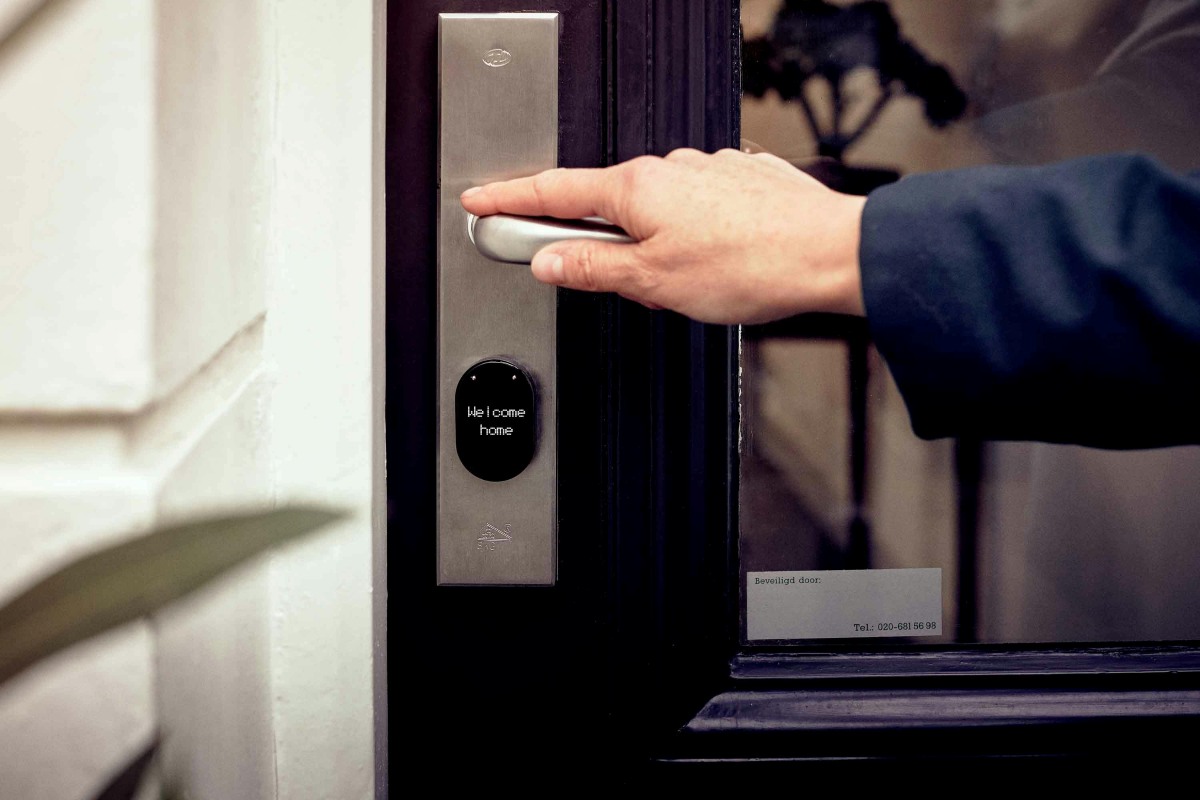
Start by confirming compatibility with your door, as the wrong mortise, rim or door-type combination can lead to unnecessary modification costs. For singles and couples, a lock with fingerprint access and PIN code backup is often sufficient. Families with children may benefit from additional options such as RFID cards, while households with helpers, tenants or frequent visitors should consider app-based access management and temporary passcodes.
Security features such as automatic locking, anti-tamper alarms and fire detection are worth prioritising if they address genuine household needs. Once you’ve narrowed down the right access methods and security functions, compare battery management, after-sales support and budget to find a lock that suits your property and usage patterns.
Here is a list of the best digital locks that we recommend.
The post Checklist: How to choose a digital lock in Singapore in 7 easy steps appeared first on SETHLUI.com.